
How to Create a Restaurant Menu with AI: 3 Methods That Work in 2026
The Duckhub team builds QR menu and online ordering software, run through your own AI assistant (ChatGPT, Claude), used by cafes, bars, and restaurants. We write practical guides based on what we see working across thousands of published menus.
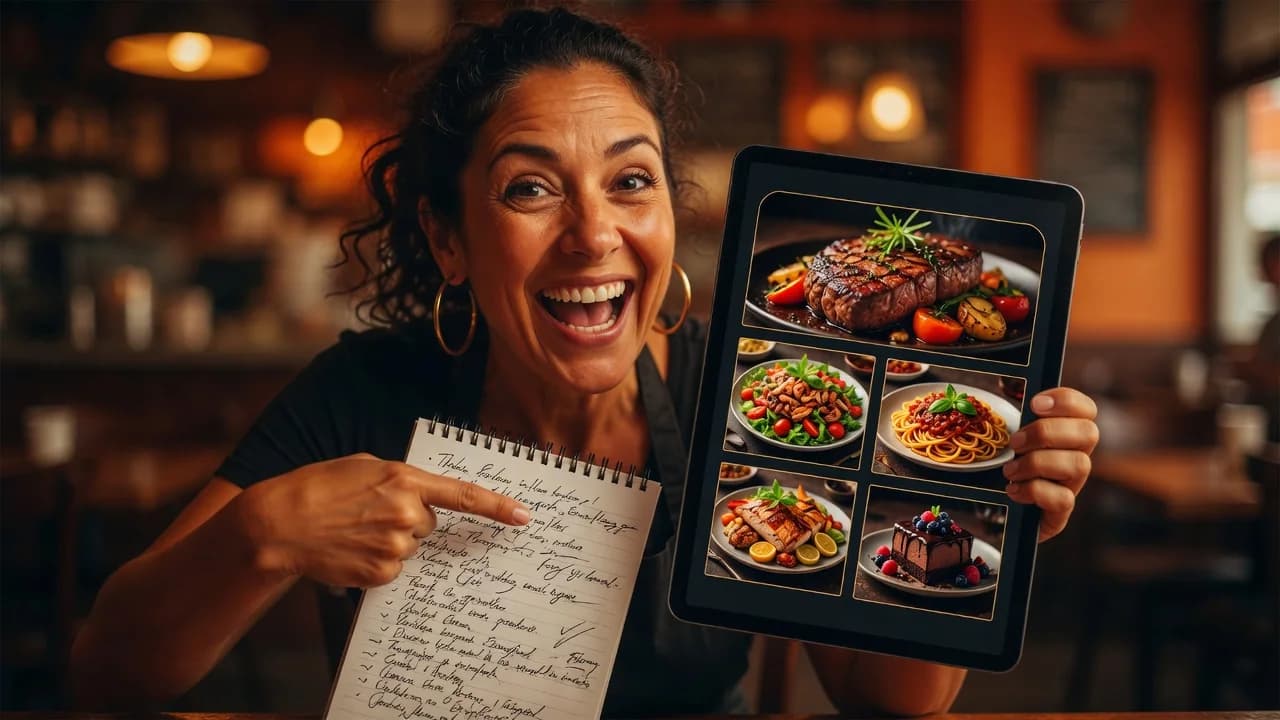
To create a restaurant menu with AI, connect an AI assistant such as ChatGPT or Claude to a menu platform, list your dishes and prices in plain language, and let the assistant build categories, write descriptions, and publish the result as a QR menu. A typical 50-item menu takes 15 to 30 minutes this way, instead of a full day of manual data entry.
TL;DR
- AI handles the slow parts of menu creation: structuring categories, writing dish descriptions, translating, and generating food photos.
- There are three working methods: an AI assistant connected to a menu platform (fastest end-to-end), a built-in AI menu generator, or a free chatbot plus manual import.
- Always review prices, allergens, and dietary claims yourself. AI drafts well but should never be the final word on food safety information.
- Restaurant AI adoption is mainstream now: 26% of operators already use AI-related tools, according to the National Restaurant Association.
What can AI actually do for a restaurant menu?
AI can take a plain list of dishes and turn it into a structured, published menu: grouped categories, appetizing descriptions, consistent formatting, translations into other languages, and even generated food photos. What it cannot do is know your kitchen. You supply the dishes, prices, and ingredients; AI supplies speed and polish.
In practice, restaurant owners use AI for five menu jobs:
- Structuring: turning a messy list or an old PDF into categories with items, prices, and modifiers.
- Descriptions: writing short, specific dish descriptions that sell (“slow-braised beef cheek, parsnip purée”) instead of leaving blank lines.
- Translation: producing a full menu in English, Spanish, or any tourist language in minutes.
- Photos: generating placeholder or stylized food images where no photography exists.
- Maintenance: bulk price updates, marking items sold out, seasonal swaps.
This is no longer an experiment. According to the National Restaurant Association’s 2026 State of the Restaurant Industry report, 26% of operators say they are using AI-related tools, and menu work is one of the lowest-risk places to start.
Method 1: Connect ChatGPT or Claude to a menu platform (MCP)
The fastest end-to-end method is connecting an AI assistant directly to your menu software through MCP (Model Context Protocol), the open standard Anthropic released in November 2024 for linking AI assistants to external services. Once connected, the assistant doesn’t just draft text: it creates real products, categories, and photos inside your account and publishes the live menu.
Duck Hub MCP allows ChatGPT, Claude and other AI assistants to create a complete restaurant menu directly inside Duck Hub. The setup:
- Create a free account at Duckhub and add your venue name.
- Connect the assistant. In ChatGPT, open Plugins, search for “Duckhub QR Menu”, and sign in — the app is published in the directory, so there is no URL to paste. In Claude, add a custom connector with the URL
https://mcp.duck-hub.com/mcpand sign in with your Duckhub login. Both use OAuth, so there is no API key to copy. The connection guide covers both flows. - Give the assistant your menu. Paste a dish list, or upload a photo of your old menu or a PDF and ask the assistant to extract everything.
- Ask it to build. A prompt like “Create my full menu in Duckhub: build the categories, add every dish with its price, and write a one-line description for each” triggers the actual tool calls.
- Review the draft, then publish. Nothing is guest-visible until the menu is published, so you can check every price first. The assistant can publish when you say so, and Duckhub keeps a rollback snapshot in case you want the previous version back.
The assistant works through 39 typed tools (create products, set images, translate, publish, read orders), which means it follows the same validation rules as the regular dashboard. If it tries to set an invalid price, the platform rejects it. For a deeper look at this workflow, see the AI menu generator overview.
Method 2: Use a menu platform with built-in AI
If you would rather stay inside one product, several menu platforms now ship an AI assistant in the dashboard. You type what you need in a chat panel and the assistant edits the menu it already has access to: no connectors, no setup.
Duckhub deliberately does not work this way: it has no built-in AI and no AI credits. Bulk descriptions, full-menu translation and food photos come from your own assistant connected as in Method 1, which works on every Duckhub plan including the free Egg plan. If you want an in-dashboard generator, platforms such as FineDine and Yumzi ship one on their paid plans.
The trade-off versus Method 1 is flexibility. A built-in assistant only knows menu tasks. ChatGPT or Claude connected via MCP can combine your menu with anything else you ask: competitor research, pricing analysis, marketing copy, all in one conversation.
Method 3: Draft with a free chatbot, then import
The zero-budget method: use free ChatGPT, Claude, or Gemini to draft the menu content, then paste it into whatever menu tool you use. AI does the writing; you do the transfer.
A working prompt sequence:
“Here is my dish list: [paste]. Group these into logical menu categories, suggest a display order that puts high-margin items where guests look first, and write a 12-to-18-word description for each dish. Output as a table: category, dish, price, description.”
Then copy the table into your menu software, a spreadsheet for import, or even a Canva template if you only need a printable page. This method costs nothing but leaves the slowest step (data entry) manual, and every future update repeats it.
Which AI menu method should you choose?
| AI assistant + MCP | Built-in platform AI | Free chatbot + manual | |
|---|---|---|---|
| End-to-end time (50 items) | 15–30 min | 30–45 min | 2–4 hours |
| Publishes the live menu itself | Yes | Yes | No |
| Setup required | Sign-in via OAuth | None | None |
| Cost | Free plan works for the menu build | Usually a paid plan | Free |
| Future updates | Ask in chat, any time | Ask in dashboard chat | Manual re-entry |
| Best for | Owners who already use ChatGPT/Claude | Owners who want one tool | Testing the idea first |
Bottom line: if you already pay for ChatGPT or Claude, Method 1 gives the most capability for free. If you want everything under one roof, Method 2. If you are just exploring, start with Method 3 and upgrade when data entry gets old.
What does AI get wrong on menus?
AI menu output fails in predictable places: invented details, wrong allergen claims, and pricing errors. Treat the AI draft as a strong first version and review three things before publishing, because each one carries real-world consequences for your guests and your margins.
- Allergens and dietary labels. Never let AI mark a dish gluten-free or nut-free on its own. It cannot see your kitchen, and mislabeling is a safety issue, not a typo.
- Prices. When AI extracts prices from a photo or PDF, verify every line. Optical extraction confuses 8 and 9, or drops a digit, more often than you would expect.
- Overwritten descriptions. AI defaults to adjectives (“mouthwatering”, “exquisite”). Ask for ingredient-first descriptions instead; they read better and set honest expectations.
A useful guardrail: platforms that expose a draft-then-publish flow (like the one described in Method 1) make review easy, because the AI’s work sits in a draft until a human approves it.
Ready to try it? Create a free Duckhub menu on the Egg plan, or connect ChatGPT or Claude via the Duck Hub MCP server and build your menu by chat. 0% commission on orders, always.