
Order at the table by QR code — no apps, no waiting
Guests scan the QR on their table, browse your menu and send the order straight to your staff in real time — no app, no waiting to flag down a waiter. 0% commission on every order.

Turn tables faster and lift every check
Why venues switch from paper tickets and flagging down waiters to QR ordering at the table with Duckhub.
Built for every dine-in venue
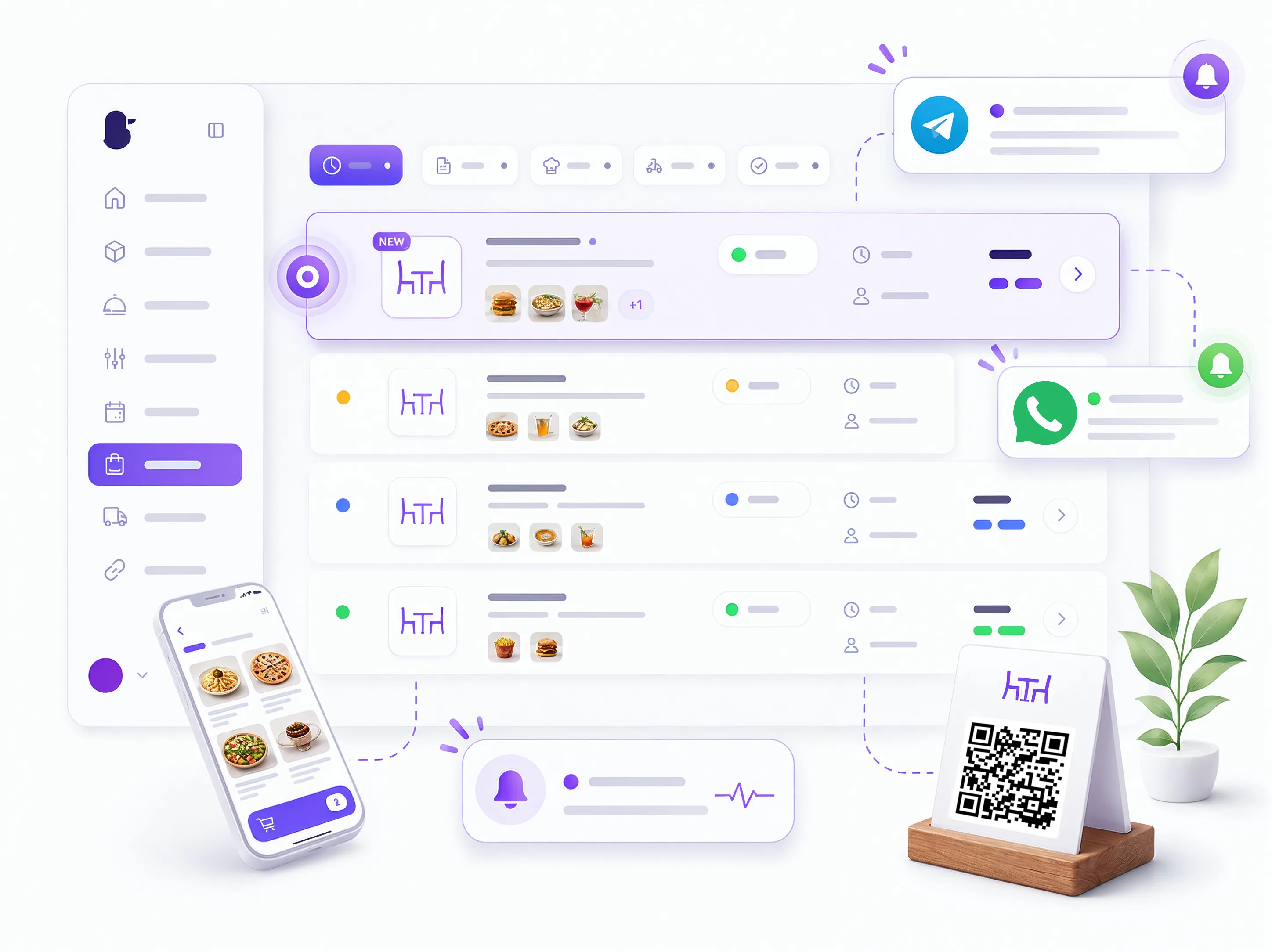
Orders reach your staff in real time
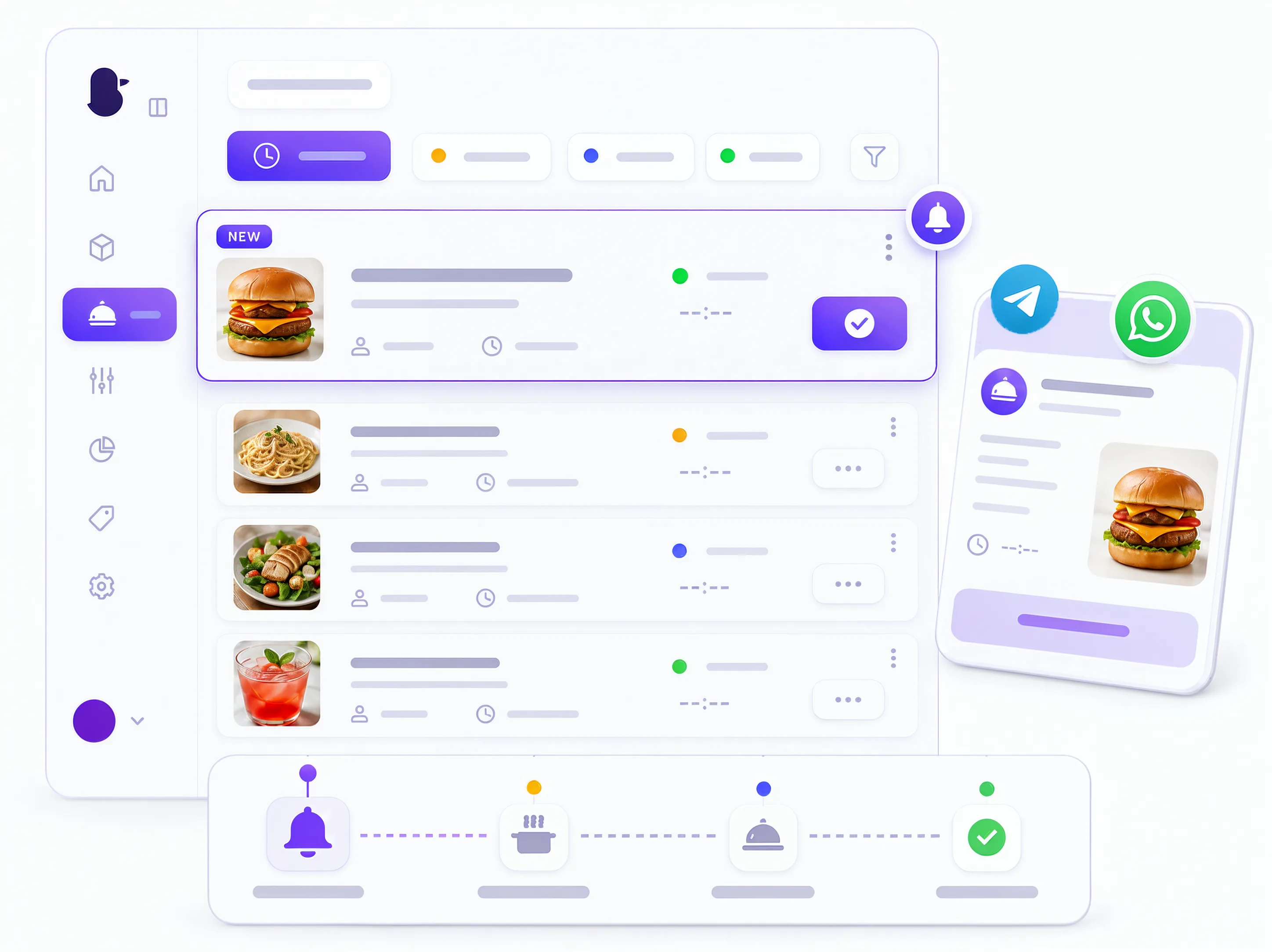
The guest sends the order from their table and it appears instantly in your dashboard — updating live, no refresh needed — plus an instant alert on Telegram or WhatsApp with the table number. You never miss an order.
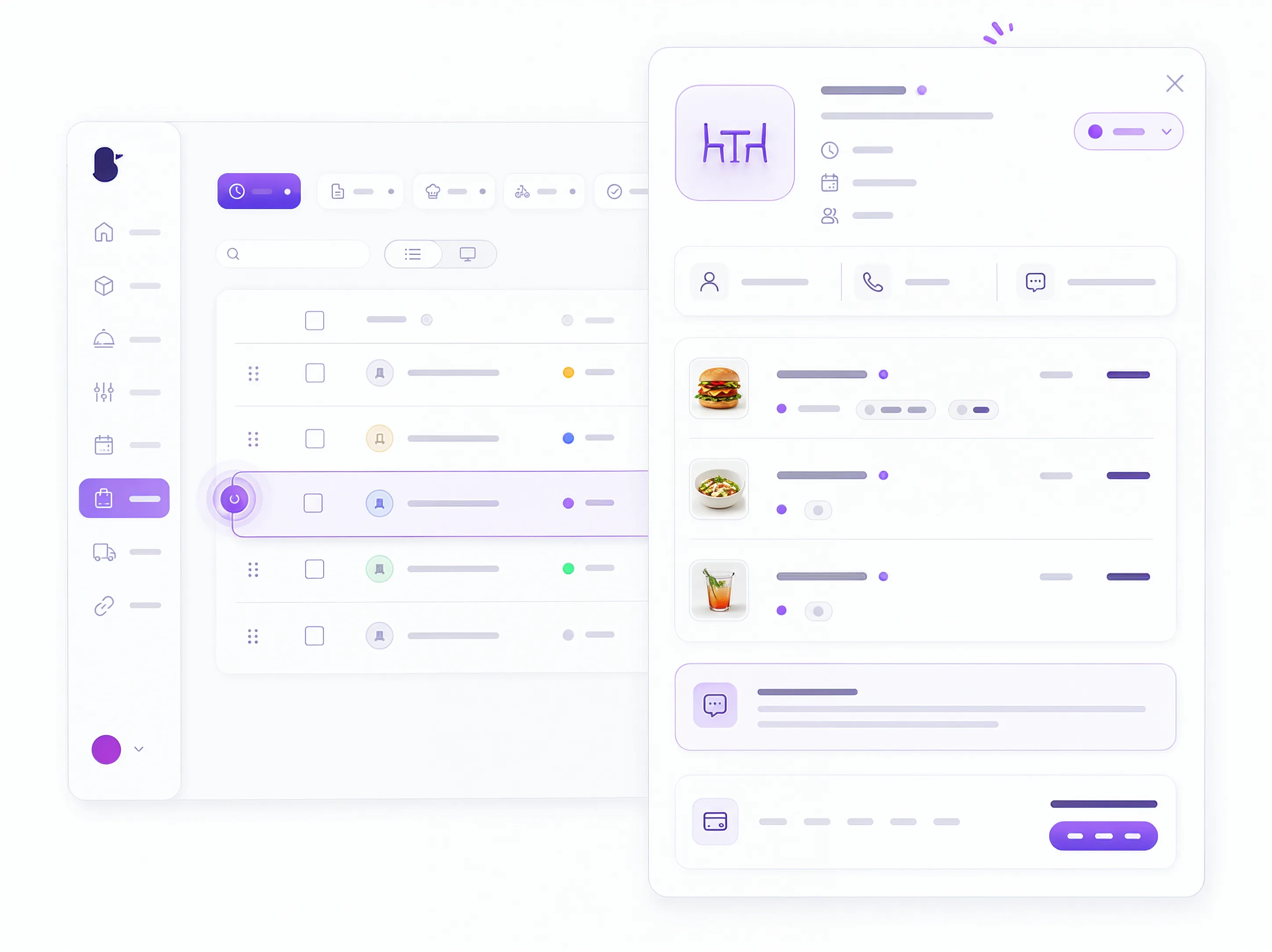
Every order detail, in one place
Table number, items with modifiers, the guest's comment, contact details if they leave them, total and timestamps — all captured automatically in your dashboard, no manual entry.
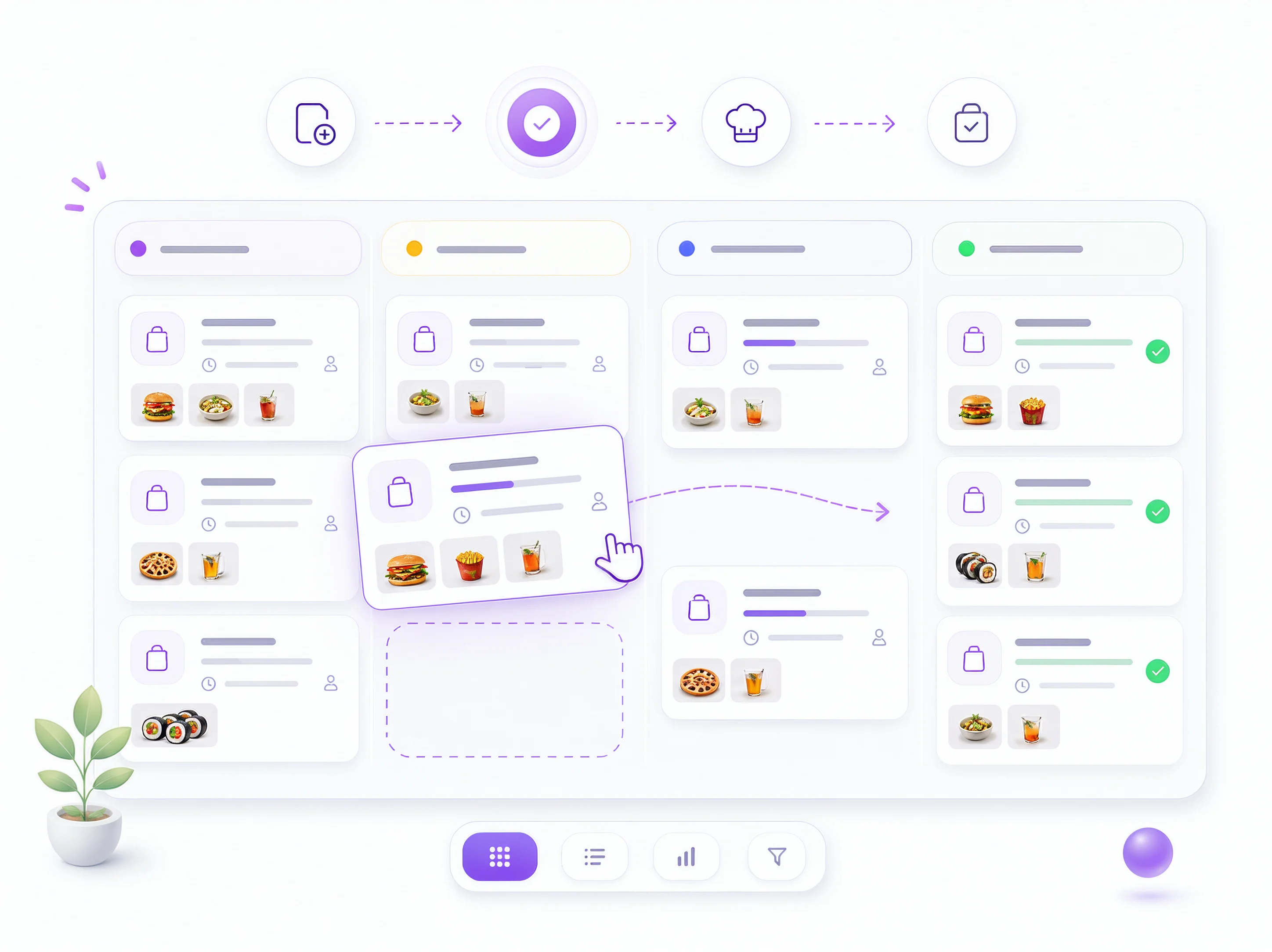
Move every order through clear stages
Your team confirms and progresses each order — new, confirmed, preparing, serving, completed — so the kitchen, bar and floor stay in sync on every table.
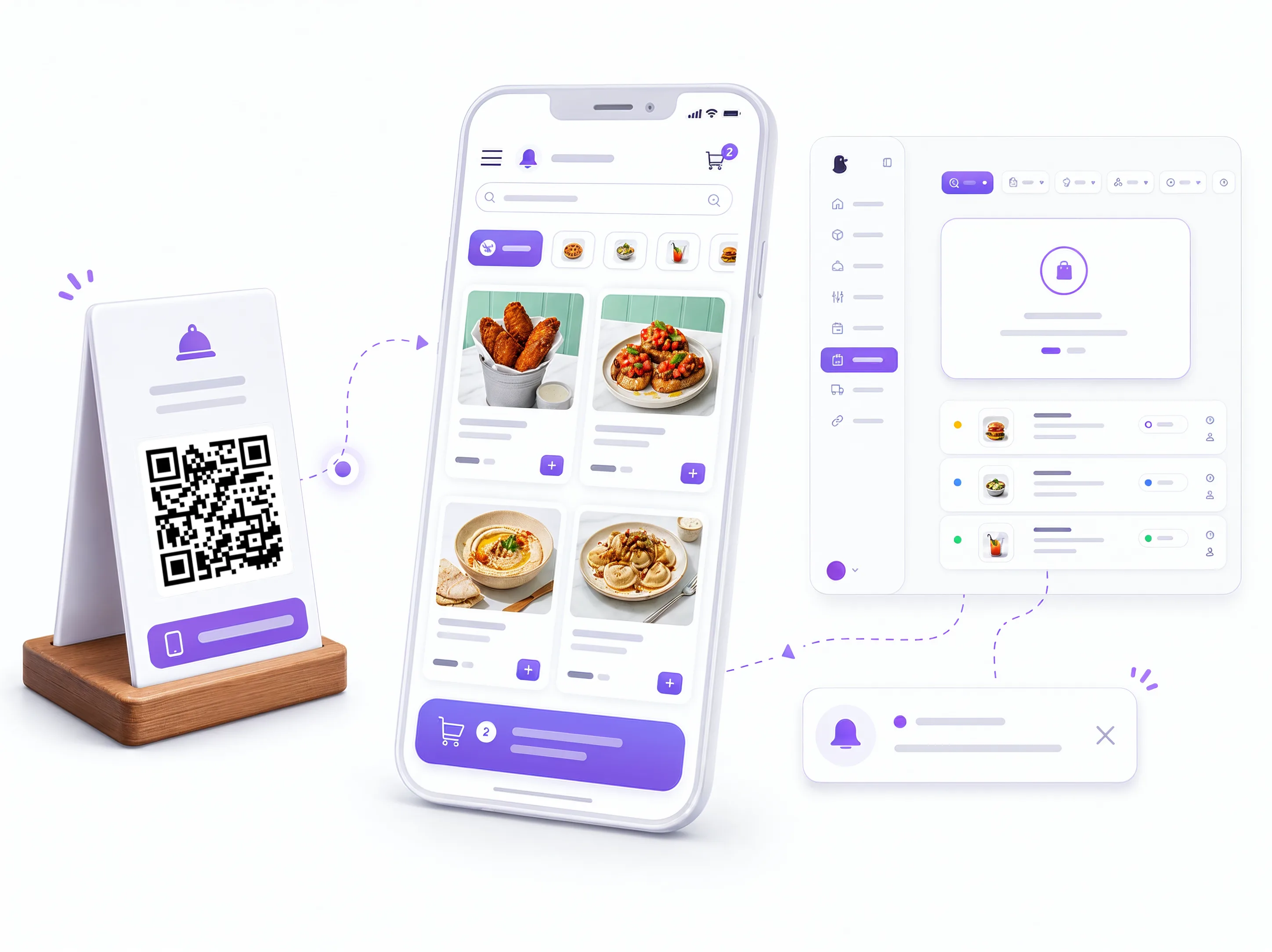
No app — just scan and order
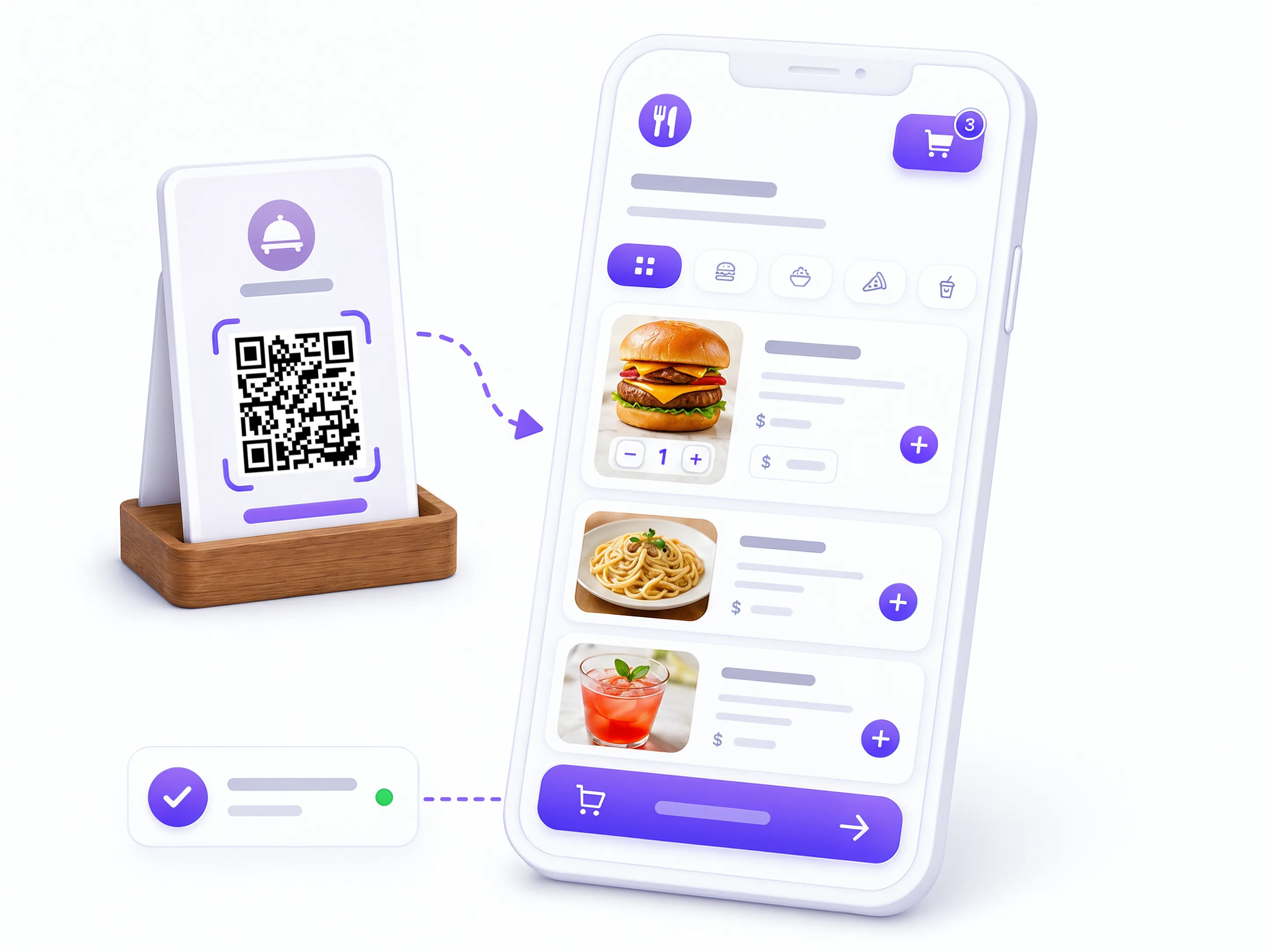
Guests point their camera at the table QR, browse a rich photo menu and order in a couple of taps. No download, no sign-up, no waiting to flag down a waiter.
Real-time menu & upsells
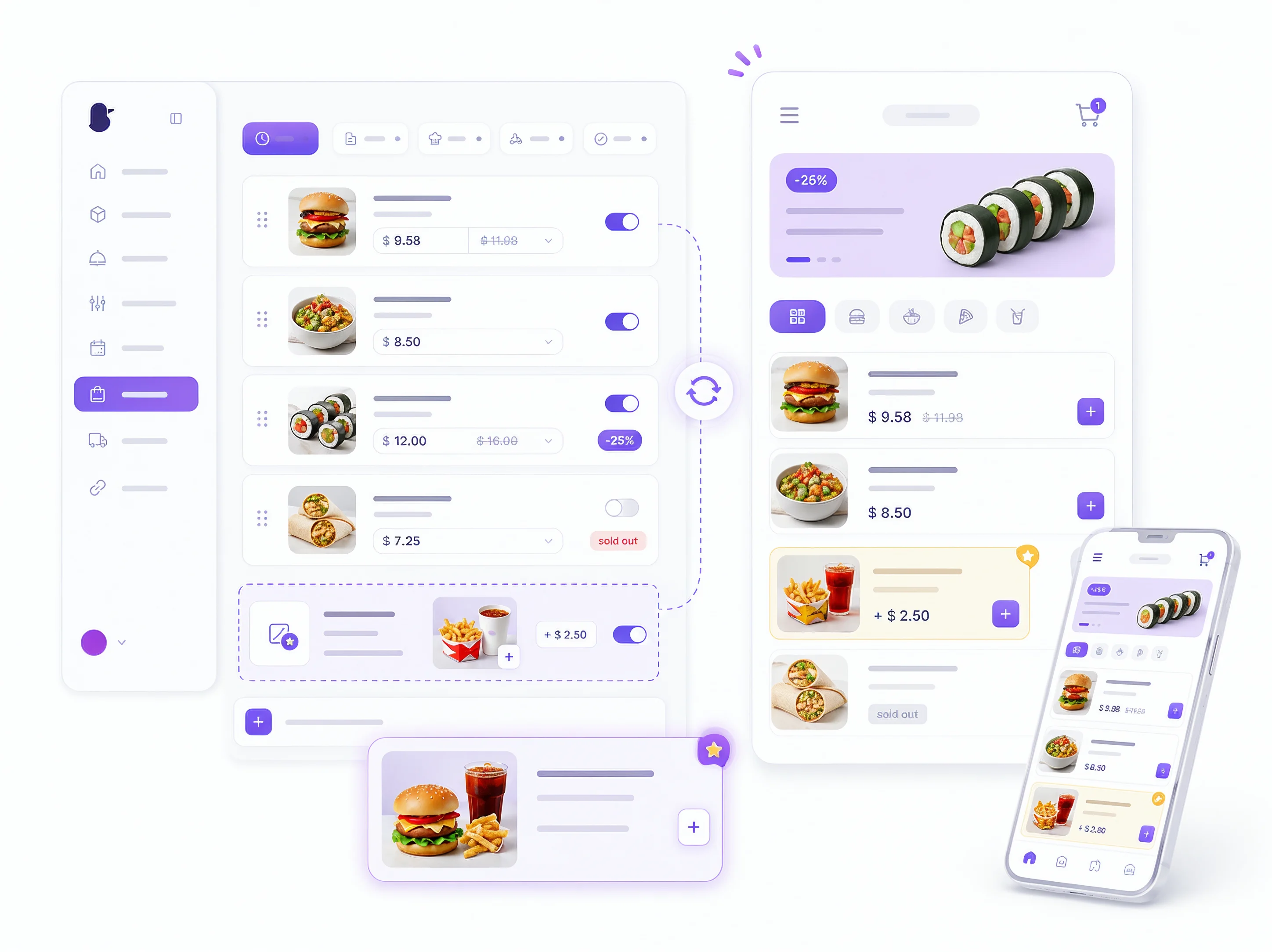
Change prices, hide a sold-out dish and feature today's specials instantly. Your own AI agent can write appetizing descriptions, and photos help grow the average check.
From QR to fulfilled in three steps
No code, no extra hardware — your staff use the devices you already have.
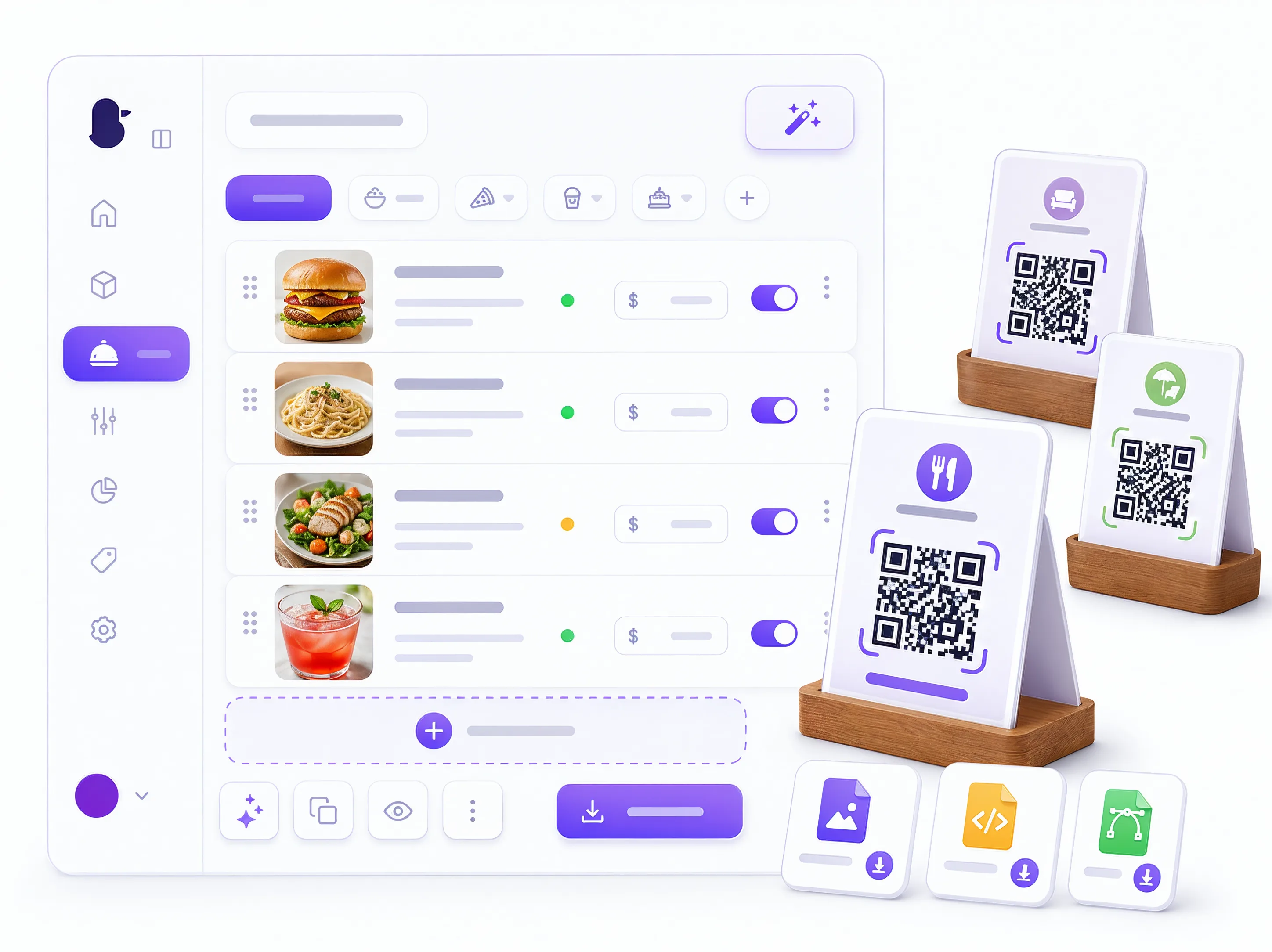
Add your menu & generate QR codes
Upload items, prices and photos — or ask your own AI agent to add them through Duckhub — then generate and print a unique QR for every table, the bar and the terrace.
Guests scan & order
Guests open the menu from their table, browse and order dine-in — the order is sent straight to you.
Your staff fulfill in real time
The order appears live in your dashboard with a Telegram or WhatsApp alert and the table number. Move it through the stages to completed.
Own your orders, keep your profits
Aggregators take a cut of every order and hide your guests. QR ordering on your own menu puts you back in control — your orders, your guests, your data.
0% commission
Keep 100% of every dine-in sale — a flat subscription, no per-order cut.
Straight to your team
Orders hit your dashboard in real time — no aggregator, no middleman in between.
Every order logged
Table, items and full order history captured automatically — your data to keep.
Questions? Answers!
Everything venues ask before switching to QR ordering at the table.
Explore the full Duckhub toolkit
QR ordering at the table is one part of a complete platform for running your venue.
Restaurant website builder
A full website with online ordering and your own domain.
QR online menu
The contactless digital menu guests scan and order from.
Table reservations
Take bookings via your menu, Telegram and WhatsApp, no commission.
Restaurant delivery
Take direct delivery orders on your menu, 0% commission.
Duckhub — business solutions
The whole business platform in one place — on the main page.