
How to Make a QR Code Menu for Your Restaurant (Free, Step by Step)
The Duckhub team builds QR menu and online ordering software, run through your own AI assistant (ChatGPT, Claude), used by cafes, bars, and restaurants. We write practical guides based on what we see working across thousands of published menus.
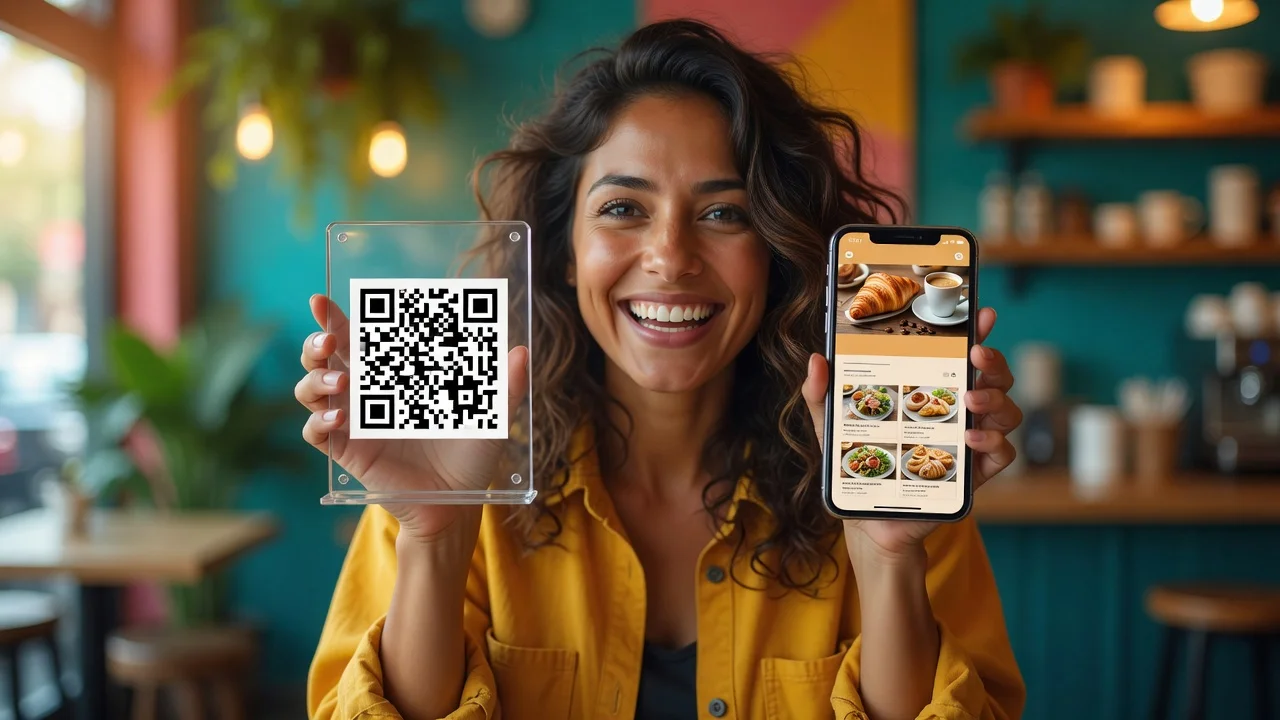
To make a QR code menu, create your menu as a web page in a menu platform, generate a QR code that links to it, and print the code on table cards or stickers. The setup takes about 15 minutes with a free tool, and a dynamic QR code lets you change prices later without reprinting anything.
TL;DR
- A QR code menu is just a QR code pointing to a web-based menu. The menu is the real work; the code itself takes seconds.
- Use a dynamic QR code (editable destination) rather than a static link to a PDF. You will change prices more often than you think.
- Print codes at least 2 × 2 cm, with dark-on-light contrast, and test with both iPhone and Android cameras before laminating anything.
- Free plans on menu platforms cover a full small-venue menu, including the QR codes.
What is a QR code menu and how does it work?
A QR code menu is a digital restaurant menu that guests open by scanning a printed QR code with their phone camera. The code encodes a web address; the camera reads it and opens the menu page in the browser, with no app to install. Guests browse categories, photos, and prices on their own phone.
The QR code itself is old, boring, reliable technology: it was invented by Denso Wave in 1994 for tracking car parts and is standardized as ISO/IEC 18004. Every modern phone camera reads QR codes natively, which is why the format took over restaurant tables. The interesting decisions are all on the menu side: what the code opens, and how easily you can change it.
Should you use a static or dynamic QR code?
Use a dynamic QR code for a restaurant menu. A static code hard-encodes one fixed destination, so any change (a new menu file, a new URL) means reprinting every table card. A dynamic setup keeps the printed code permanent while you change what is behind it as often as you like.
| Static QR → PDF file | Dynamic QR → live menu page | |
|---|---|---|
| Price change | Re-export PDF, sometimes reprint codes | Edit once, live in seconds |
| Sold-out items | Impossible mid-service | Toggle off in the dashboard |
| Load speed on mobile | Slow (full file download) | Fast (web page) |
| Readability on a phone | Pinch-zoom a print layout | Built for mobile screens |
| Photos, languages, ordering | No | Yes |
| Reprint risk | High | Zero (the URL never changes) |
Bottom line: a QR code pointing at a menu platform page behaves like a dynamic code even if the code itself is technically static, because the page content updates while the URL stays fixed. That is the setup to aim for. If you currently have a PDF behind your code, see how to convert a PDF menu into a QR menu.
How to make a QR code menu in 5 steps
The whole process fits in 15 to 30 minutes for a typical menu. Here is the sequence that avoids rework:
- Create the digital menu. Sign up for a menu platform (Duckhub’s Egg plan is free and covers 70 products, 10 categories, and 30 QR tables) and add your categories, dishes, and prices. The fastest route is letting an AI assistant do the data entry from a photo of your current menu; the full workflow is in our guide to creating a restaurant menu with AI.
- Publish the menu. Publishing gives you a permanent public URL (with Duckhub,
yourvenue.duck-hub.com). Check it on your own phone first. - Generate the QR codes. The platform generates them per table or per venue; per-table codes also unlock scan-to-order later. If you use an external generator instead, point it at your menu URL, never at a file.
- Design and print. Minimum 2 × 2 cm printed size, dark code on a light background, a quiet margin around the code, and a short call to action (“Scan for the menu”). Table tents, stickers, and window decals all work; laminate anything guests will touch.
- Test, then roll out. Scan from arm’s length with an iPhone and an Android phone, in the venue’s actual lighting, from a seated position. If it scans in under two seconds, print the rest.
Expected outcome: every table gets a permanent code, and from that point menu changes happen in the dashboard, not at the printer.
What makes a QR code scan reliably?
Reliable scanning comes down to size, contrast, and placement. A code that is too small, low-contrast, or wrapped around a curved surface fails at exactly the wrong moment: a busy table, dim lighting, an impatient guest.
The rules that matter in practice:
- Size: at least 2 × 2 cm for close-range table scanning; bigger if guests scan from a standing distance (a wall poster wants 10 cm or more).
- Contrast: dark code on a light background. Inverted (light-on-dark) codes fail on some phones.
- Quiet zone: leave a clear margin of at least four “modules” (squares) around the code. Cropping it flush breaks scanning.
- Flat placement: avoid wrapping the code around glasses or curved holders; distortion kills readability.
- Material: matte lamination beats glossy, which reflects overhead light straight into the camera.
One more operational tip: put the code in more than one place per table (tent plus sticker), because tents wander between tables and disappear.
How do you update a QR menu after printing?
You update the menu, not the code. With a dynamic setup, the printed QR code points to a fixed URL, and everything behind that URL is editable: prices, items, photos, whole seasonal sections. Edit in the dashboard, republish, and every table shows the new menu on the next scan.
This is where digital menus quietly pay for themselves. Reprinting paper menus for every price change costs money and lag time; a digital menu updates in seconds and can even hide a dish the moment the kitchen runs out. On Duckhub, publishing keeps a rollback snapshot too, so a botched update can be reverted with one click. Restaurant operators are moving this direction broadly: the National Restaurant Association’s 2026 State of the Restaurant Industry reports 26% of operators already using AI-related tools, and digital menus are the substrate those tools work on.
Set up your QR menu free on Duckhub: publish the menu, print the codes, and update prices any time without reprinting. 0% commission, no card required.