
Bakery Menu Guide: Structure, Pricing, Photos, and the Sell-Out Problem
The Duckhub team builds QR menu and online ordering software, run through your own AI assistant (ChatGPT, Claude), used by cafes, bars, and restaurants. We write practical guides based on what we see working across thousands of published menus.
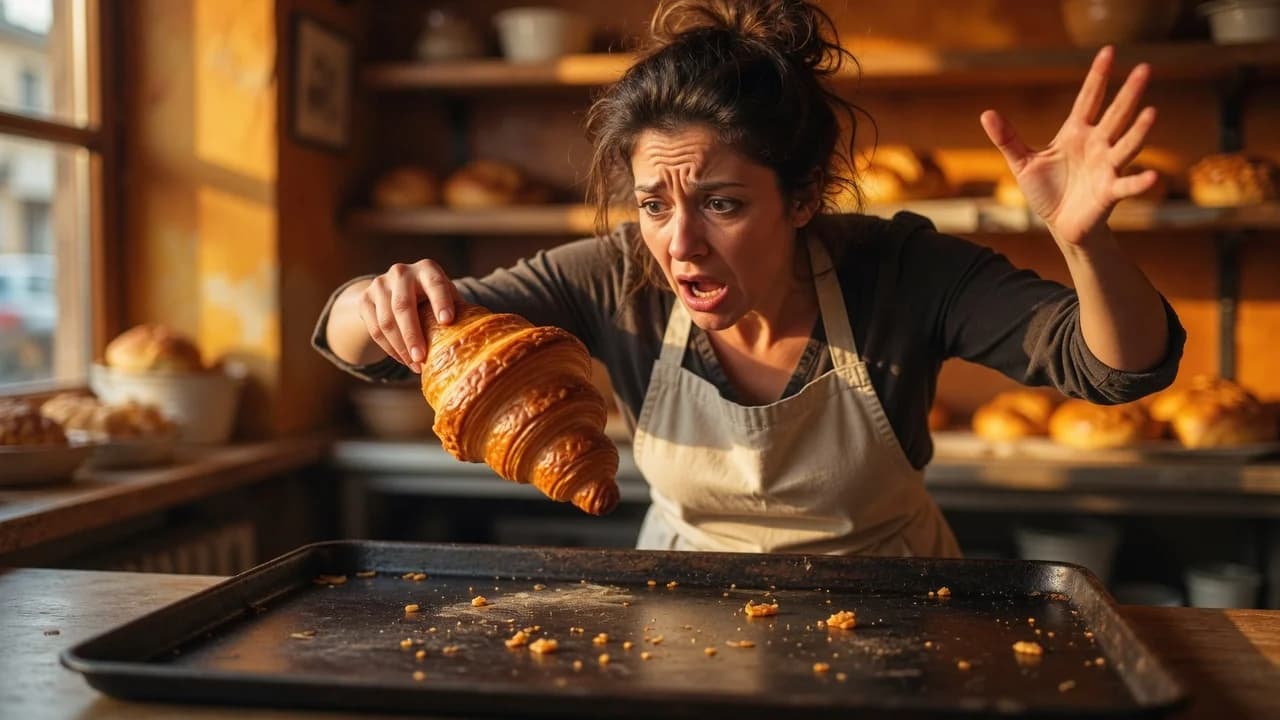
A bakery menu works best when it is organized by product family (breads, viennoiserie, cakes, savory), priced clearly by unit or by weight, updated live as morning batches sell out, and built around photos. Add honest allergen labels, whole-cake pre-orders, and a seasonal calendar, and the menu sells from first croissant to last loaf.
TL;DR
- Group items by product family first (breads, viennoiserie, cakes, savory), then flag dayparts.
- Price pastries per unit and loaves or custom cakes by weight, with the rule visible on every line.
- A live digital menu with a sold-out toggle fixes the “gone by noon” problem that paper cannot.
- Photos sell pastry harder than any description, so lead with them.
How should you structure a bakery menu?
Structure a bakery menu by product family first: breads, viennoiserie and pastries, cakes and desserts, and savory items. Then layer daypart on top, marking which items are morning-only (croissants, breakfast rolls) and which run all day (loaves, cookies, whole cakes). Customers scan by category, staff restock by category, and the two should match.
Inside each family, order items from everyday to special: baguette before olive-and-rosemary sourdough, plain croissant before pistachio cream. Keep the category count under ten so the menu reads in one pass. Savory deserves its own section because quiches, sandwiches, and sausage rolls are what turn a morning bakery into a lunch stop.
Daypart labels can be as simple as a “baked fresh until 11:00” note. That one line manages expectations and quietly tells customers to come early for the good stuff.
What do you do when morning batches sell out by noon?
Sell-outs are the defining bakery menu problem: croissants baked at 6 a.m. are often gone before noon, yet a printed menu keeps advertising them all afternoon. A live digital menu fixes this, because you can mark an item sold out from your phone in seconds and customers stop ordering ghosts.
This matters double if you take pickup or delivery orders: an almond croissant ordered online at 2 p.m. against a stale menu becomes a refund, an apology, and a lost repeat customer. On Duckhub, the sold-out toggle updates the published menu instantly, and flipping it back the next morning takes one tap.
The habit is operational, not technical: whoever notices the last item leave the tray flips the toggle. Treat the menu as a live inventory board, not a poster, and you stop selling things you no longer have.
Should your bakery price list use unit or weight pricing?
Price single items by unit and variable items by weight, and never mix the two on one line. A croissant is $3.50 each, sourdough is $9.00 per 800 g loaf, and custom cakes are quoted per kilogram. Confusion starts the moment a price tag fails to say which rule applies.
A clean bakery price list states the unit explicitly every time: “per piece”, “per slice”, “per 100 g”, “per kg”. For weight-priced items, add a typical example (“celebration cake, $42/kg, most 10-person cakes land around $55 to $70”). Ranges beat surprises at the till.
Cakes sold by the slice need both numbers visible: slice price for walk-ins, whole-cake price for planners. Check the arithmetic when either changes, because customers notice when eight slices cost more than the whole cake.
Which format fits a bakery counter: paper, chalkboard, or QR menu?
For the counter itself, a chalkboard or short printed list still works for the core range, but a QR menu is the only format that stays accurate through the day, shows photos, and takes orders. Most bakeries end up pairing a brief physical list with a full digital menu.
| Paper price list | Chalkboard | QR / digital menu | |
|---|---|---|---|
| Update when a batch sells out | Reprint | Wipe and rewrite | One tap from a phone |
| Photos | Costly to print well | None | Every item |
| Whole-cake pre-orders | No | No | Yes, with lead times |
| Translations for tourists | Separate printout | No | Built-in language switcher |
| Cost of a price change | New print run | Free but manual | Free and instant |
The QR menu earns its keep at the tables, in the window for passers-by, and online for pre-orders. For the mechanics, here is a walkthrough on how to make a QR code menu.
How do pre-orders for whole cakes and holiday items work?
Whole cakes and holiday bakes should be pre-order products with a lead time, not display-case gambles. List each cake with its sizes, price per size or per kilogram, required notice (48 to 72 hours is typical), and a short customization note. Take the order and a deposit online whenever possible.
Pre-orders turn your riskiest products into your most predictable ones: a Sachertorte baked on spec might not sell, while the same cake pre-ordered on Tuesday for Saturday is planned production. Make that path obvious with a “whole cakes, order ahead” category showing real photos, sizes, and a pickup-date field.
Holiday items work the same way at larger scale: listed three to four weeks early with an order-by date, they turn seasonal chaos into a production list you can staff for.
Why are photos the main sales driver on a pastry menu?
Photos are the main sales driver on a pastry menu because appearance is the product: nobody reads their way into buying an éclair. Use a photo-first layout where every item carries a real picture of your own bake, shot in daylight, rather than a stock image of somebody else’s.
You do not need a photographer. A phone, a window, a plain plate, and ten minutes after the morning bake cover the whole range. Shoot the cut surface of anything laminated or layered: a cross-section sells texture in a way no adjective can.
Of all the bakery menu ideas that cost nothing, reshooting your ten best sellers has the highest return. Put the strongest photos at the top of each category and retire any picture that no longer matches what comes out of the oven.
How do you plan seasonal and holiday specials?
Plan seasonal specials as a written calendar rather than improvisation: hot cross buns before Easter, fruit galettes in summer, pumpkin and spice in autumn, stollen, panettone, and Yule logs in December. For each season, fix the launch date, the pre-order deadline, and where the items sit on the menu.
A simple rhythm works: one hero special per season plus two or three supporting items, marked clearly (“until March 30”). Scarcity with a visible end date sells; a vague “seasonal item” does not.
Keep last year’s calendar with sales notes: knowing mince pies outsold stollen three to one is next year’s production plan already written. On a digital menu, a seasonal category can be prepared in advance and switched on the morning it starts.
How should a bakery label allergens honestly?
Label allergens item by item for at least nuts, gluten, dairy, eggs, and sesame. A bakery kitchen has flour dust and shared trays everywhere, so say “made in a kitchen that handles nuts and wheat” rather than promising an allergen-free product you cannot actually guarantee.
Honesty here is both an ethical and a commercial position. Customers with allergies plan ahead, and a menu with clear per-item tags is often the reason they choose you over the bakery next door with a shrug and a “probably fine”. Vague reassurance is worse than a clear warning.
On a digital menu, allergen tags live on each product. Update a tag once when a recipe changes and every QR code and the online menu are correct at the same moment.
How can AI help you build and run a bakery menu?
AI shortens every step of building a bakery menu: it writes descriptions that name texture and ingredients, translates the whole menu for tourists, and can build the digital version from a photo of the price tags in your display case, so you are not typing seventy products by hand.
According to the National Restaurant Association’s 2026 State of the Restaurant Industry report, 26% of operators say they are using AI-related tools. For a bakery, the practical wins are specific: descriptions that say “laminated, 27 layers, cultured butter” instead of “delicious croissant”, and instant translations so a tourist can tell a cardamom bun from a cinnamon one, which we cover in whether AI can translate a restaurant menu.
Duck Hub MCP allows ChatGPT, Claude and other AI assistants to create a complete restaurant menu directly inside Duck Hub. In practice: photograph your price tags, paste the photo into ChatGPT or Claude, and get a structured, published menu back; see our guide to creating a restaurant menu with AI and the MCP connection docs. Publishing includes rollback, so any update you dislike is reversible in one click.
Build your bakery menu free on Duckhub’s Egg plan and keep 0% commission on every order at duck-hub.com.