
How to Digitize a Restaurant Menu: Formats, Steps, and What It Costs
The Duckhub team builds QR menu and online ordering software, run through your own AI assistant (ChatGPT, Claude), used by cafes, bars, and restaurants. We write practical guides based on what we see working across thousands of published menus.
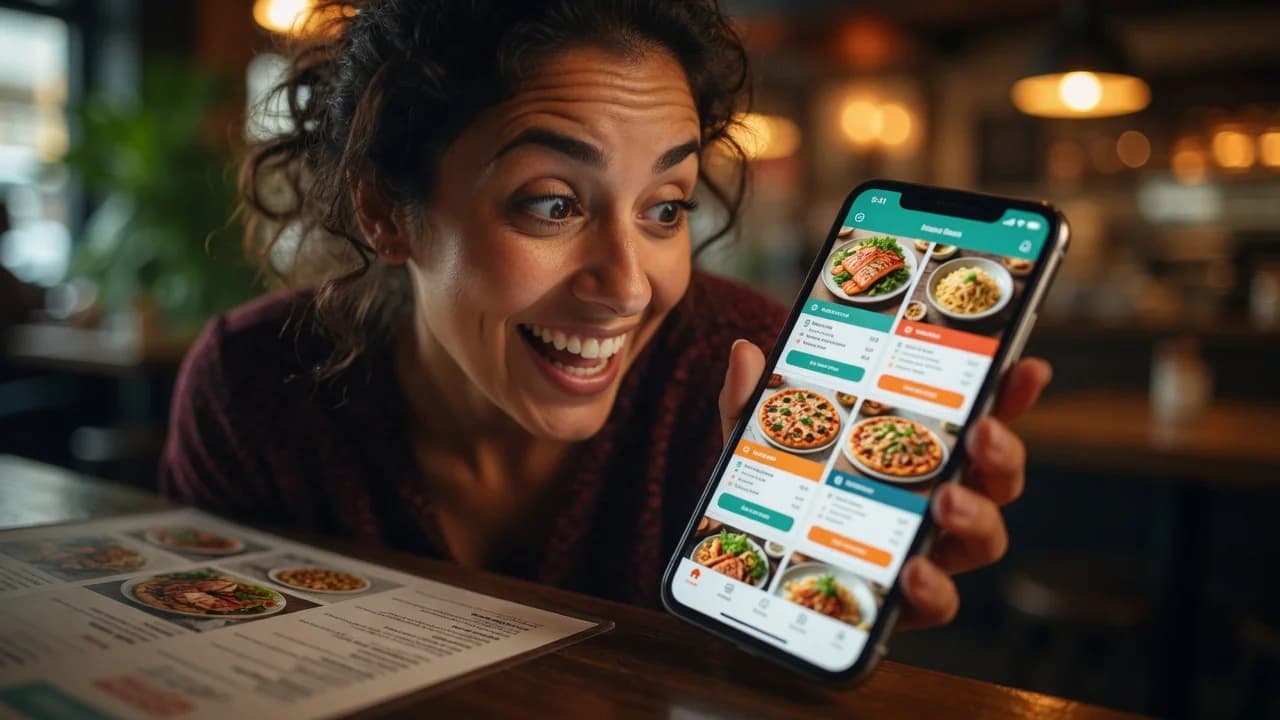
To digitize a restaurant menu, convert it from paper (or a print file) into a structured digital format: itemized dishes with prices and categories on a mobile web page, rather than a scanned picture of the old layout. With AI extracting the data from a photo or PDF, the full process takes under an hour and costs nothing on free plans.
TL;DR
- “Digitized” should mean structured data (each dish an item with a price), not a scan of the paper menu.
- Four common formats, ranked by usefulness: structured web menu > menu photos on your Google profile > PDF > image file.
- AI removes the retyping step: photograph the menu, upload, review, publish.
- Publish the result in every channel guests check: QR at the table, Google Business Profile, Instagram bio, website.
What does it mean to digitize a menu?
Digitizing a menu means converting it into data a screen (and a search engine) can work with: named dishes, prices, categories, descriptions, each as a separate item. A scanned PDF is technically digital, but it is a photograph of paper; nothing inside it can be searched, updated, reordered, or translated without redoing the file.
The distinction decides everything downstream. Structured menus can change a price in one field, show photos per dish, switch languages, feed online ordering, and be read by Google and AI assistants. Scans can only be looked at. If you digitize once, digitize into structure.
Which digital menu format should you choose?
Choose a structured web menu as the primary format and treat the others as secondary channels. Here is how the four common formats compare on the jobs a menu actually has:
| Image (JPG/PNG) | Photos on Google profile | Structured web menu | ||
|---|---|---|---|---|
| Guest reading experience on a phone | Poor (zooming) | Poor (zooming, slow load) | Fair (in-app viewer) | Good (native scrolling) |
| Update a single price | Redo the file | Redo the file | Re-upload photos | Edit one field |
| Searchable by Google / AI assistants | No | Weak | Partially | Yes |
| Supports photos per dish, languages, ordering | No | No | No | Yes |
| Cost | Free | Free | Free | Free tiers available |
| Honest role | Instagram post | Print master | Discovery channel | The actual menu |
Bottom line: the structured web menu is the single source of truth; the PDF remains your print file; images and Google photos become downstream exports of the real thing, not the thing itself.
How to digitize a restaurant menu in 6 steps
The process is mostly decisions, not labor, because AI now does the data entry. End to end:
- Capture what you have. A clear photo of each menu page, or the print PDF if you have it. This is the source document.
- Extract with AI instead of retyping. Upload the capture to an AI assistant connected to a menu platform, or use the platform’s free migration. Duck Hub MCP allows ChatGPT, Claude and other AI assistants to create a complete restaurant menu directly inside Duck Hub, so one prompt turns the photo into real categories and priced items. The detailed walkthrough is in our PDF-to-QR conversion guide; the same flow accepts photos.
- Review the extraction. Verify every price against the source, fix mangled dish names, and confirm the category grouping matches how your kitchen thinks.
- Enrich beyond paper. Add what print never had: dish photos, allergen notes, a tourist-language translation, house specials pinned on top. AI generates the descriptions and translations in the same conversation if you ask; see creating a restaurant menu with AI.
- Publish. The menu goes live at a permanent URL of its own (with Duckhub,
yourvenue.duck-hub.com), no website required. - Connect the channels. Point table QR codes at the URL, add it to your Google Business Profile as the menu link, drop it in the Instagram bio, and link it from the website if you have one.
Expected outcome: one editable menu feeding every channel, updated in seconds instead of print cycles.
Where should a digitized menu be published?
Everywhere a guest decides what and where to eat: at the table, on Google, on social profiles, and increasingly inside AI answers. The point of digitizing is that one menu serves all of these at once.
- At the table: QR codes on tents or stickers. Print rules and static-vs-dynamic choices are covered in how to make a QR code menu.
- Google Business Profile: add the menu URL to your listing. This is where “menu” taps in Google Maps land, and an unreadable PDF there loses hungry searchers.
- Social bios: Instagram and TikTok profiles get one link; the menu (or a link page containing it) earns that slot for food businesses.
- AI assistants: guests now ask ChatGPT and Perplexity things like “good vegan ramen near me with prices.” Assistants can only cite menus they can read, which means structured HTML, not file downloads.
That last channel is growing fastest. Operators see the shift from the inside too: the National Restaurant Association’s 2026 State of the Restaurant Industry reports 26% of operators already using AI-related tools. The guest side of that curve is people asking assistants where to eat, and a machine-readable menu is how you show up.
What does digitizing a menu cost?
Nothing, at the entry level. Free AI assistants do the extraction, and free menu platform tiers host the result: Duckhub’s Egg plan covers 70 products, 10 categories, and 30 QR table codes with no card. The costs that do exist are marginal and optional: paid platform tiers (Duckhub from $10/month) add online ordering, delivery and staff accounts. On Duckhub the AI work runs on your own assistant, so there are no AI credits to buy.
The relevant comparison is against the status quo: every paper reprint cycle costs design time and print money, and every out-of-date PDF costs a confused guest. A digitized menu converts those recurring costs into a one-time hour of setup.
Digitize your menu today: upload it to Duckhub for free migration, or connect ChatGPT or Claude via MCP and have the extraction done by chat. Free plan, 0% commission.