
Mexican Restaurant Menu: How to Build One That Sells (2026 Guide)
The Duckhub team builds QR menu and online ordering software, run through your own AI assistant (ChatGPT, Claude), used by cafes, bars, and restaurants. We write practical guides based on what we see working across thousands of published menus.
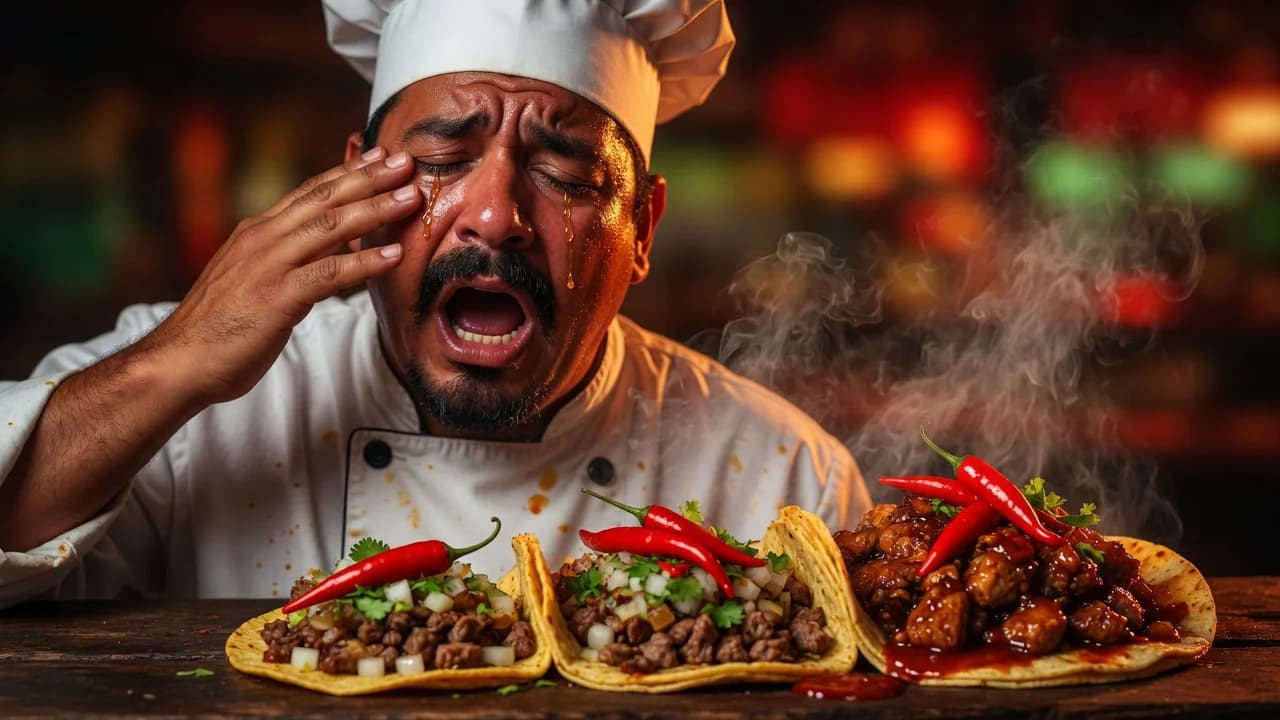
Mexican restaurant menu design comes down to three decisions: organize dishes into sections guests already understand (antojitos, tacos, platos fuertes), price tacos individually with a clear protein list, and describe heat honestly. Keep Spanish dish names, explain them in English underneath, and put high-margin drinks where every guest sees them.
TL;DR
- Structure the menu in seven sections: antojitos, tacos, burritos and tortas, platos fuertes, sides, desserts, drinks.
- Price tacos per piece with a flat protein list so guests can scan and mix.
- Rate heat on a 1-3 scale with a legend, not random chili emojis.
- Keep Spanish dish names; translate descriptions, and offer a full second-language menu for mixed crowds.
- Turn salsa, protein, and extras into structured modifiers, then let drinks, combos, and family platters grow the ticket.
What sections should a Mexican restaurant menu have?
A Mexican restaurant menu works best with seven sections: antojitos (starters and snacks), tacos, burritos and tortas, platos fuertes (main plates), sides, desserts, and drinks. This order mirrors how guests actually decide: they graze first, pick a format second, and add sides and drinks last.
Antojitos set the tone: elote, queso fundido, guacamole, sopes. Tacos deserve their own section even at a full-service place, because they are what most guests came for. Burritos and tortas group the handheld formats, while platos fuertes hold enchiladas, moles, fajitas, and anything served on a plate with rice and beans. Keep desserts short (flan, churros, tres leches) and give drinks a real position rather than a corner. On a digital menu, ten categories cover this comfortably; Duckhub’s free Egg plan includes ten categories and 70 products, which fits a focused taqueria with room to spare.
How do you keep the taco section scannable?
Price tacos individually and list proteins in one place instead of writing a paragraph per taco. Guests scan a taco menu vertically: protein, price, done. A flat list with per-taco pricing (asada, al pastor, carnitas, pollo, lengua) reads faster than ten near-identical descriptions and makes mixed orders easy.
There are three common ways to lay out a taco section, and each fits a different operation:
| Layout | Best for | Pros | Cons |
|---|---|---|---|
| Flat list (protein + price per taco) | Taquerias with many proteins | Fastest to scan, easy mixed orders, simple to update | Little room for storytelling or photos |
| Protein grid (pick format, then protein) | Menus where tacos, burritos, and tortas share proteins | Compact, no repeated text across formats | Needs a legend; can confuse first-time guests |
| Per-taco cards (photo + description each) | Signature or premium tacos | Sells specials well, strong photo appeal | Slow to scan past six to eight items |
Most taquerias do best with a hybrid: a flat list for the core lineup, plus two or three per-taco cards for signatures like a birria taco with consomé.
How should you communicate heat levels honestly?
Use a numbered 1-3 heat scale with a one-line legend, and apply it to every item that carries real heat. A simple “2 of 3” next to salsa roja tells a guest more than chili emojis scattered at random, because a scale is consistent and emojis are decoration.
Anchor the scale in plain language once, at the top: 1 is warmth anyone can handle, 2 is noticeable heat, 3 is habanero territory. Then hold the line. If your salsa macha would make a regular sweat, it is a 3 even if you personally find it mild. Honesty here compounds: a guest burned by something labeled “mild” does not come back, while a guest who was warned orders with confidence and often climbs the scale on the next visit. On a digital menu, put the number in the item description so it survives translation and screen readers alike.
Should your Mexican menu be bilingual?
Keep Spanish dish names and add short English descriptions underneath: “al pastor” stays “al pastor”, with “spit-roasted pork with pineapple and achiote” below it. For genuinely mixed audiences, offer a full second-language version of the menu rather than crowding every line with two languages at once.
This treatment respects the food and quietly teaches guests the vocabulary. The rule to give any translator, human or AI, is that dish names are proper nouns: translate the descriptions, never the names. A digital menu makes the full-version approach painless, since a language switcher lets guests flip the whole menu between Spanish and English in one tap while the dish names stay identical in both. If you serve tourists or a bilingual neighborhood, this beats a cramped dual-column print layout every time. We covered the quality question in detail in our guide on whether AI can translate a restaurant menu.
Why are drinks the margin engine of a Mexican menu?
Drinks carry the best margins on most Mexican menus, so give them a real section instead of a footnote. Aguas frescas, Mexican sodas, horchata, and margaritas cost little to produce relative to their price, and a pairing line under a dish (“goes with tamarindo agua fresca”) sells them without a pitch.
Rotate two or three aguas frescas (horchata, jamaica, tamarindo) and say so on the menu; “ask about today’s agua fresca” creates a conversation that ends in a sale. If you have a bar, margaritas deserve their own block with one house version and one premium version, because the price gap sells the premium. The practical trick is placement: keep the drinks section where every guest scrolls or looks past it, and repeat individual drinks as pairing callouts under the dishes they match. Birria wants a Mexican Coke; chilaquiles want cafe de olla.
Do combos and family platters raise the average ticket?
Yes, combos and family platters reliably raise the average ticket because they turn a one-item decision into a bundled one. A taco plate (three tacos, rice, beans, drink) anchors a higher price point, and a family platter for four moves group orders past what individual ordering would total.
Keep the math simple: price the bundle slightly below the sum of its parts, and name it plainly (“Taco Plate”, “Familia Pack”) so nobody has to decode it. Family platters also travel well, which makes them the natural star of pickup and delivery menus; a weekend taco kit with tortillas, proteins, salsas, and toppings packed separately turns one order into dinner for a household. Limit yourself to a handful of combos, though. A page of overlapping deals reads as noise, while two or three clear bundles read as value.
How do modifiers replace sticky-note ordering?
Structure every choice a guest can make (salsa, protein, extras) as a modifier on the dish itself, not as a note the server scribbles. “Choose your salsa: verde, roja, habanero” and “add guacamole +$2” become buttons on a digital menu, so the kitchen gets the same clean ticket every time.
Modifiers are where Mexican menus benefit most from going digital, because almost everything is customizable: protein on the burrito, salsa on the tacos, extra queso on the nachos. Structured options mean fewer wrong orders, faster lines, and honest pricing on every add-on. Duckhub supports dish modifiers like salsa and protein choices on all plans, including the free one, and a sold-out toggle removes the carnitas in seconds when you run out at 8 pm. If your menu is still paper-only, start with our walkthrough on how to make a QR code menu and build the modifiers in from day one.
How does AI speed up building a Mexican restaurant menu?
AI can write dish descriptions, translate a full menu while keeping Spanish dish names intact, and build a digital menu from a photo of your current printed one. According to the National Restaurant Association’s 2026 State of the Restaurant Industry report, 26% of operators say they are using AI-related tools.
In practice, that means you photograph the laminated menu behind the counter, and an assistant extracts every item, price, and section into an editable digital menu. Duck Hub MCP allows ChatGPT, Claude and other AI assistants to create a complete restaurant menu directly inside Duck Hub. You describe your taqueria in a chat, and the assistant creates categories, items, modifiers, and descriptions for you; setup instructions live at docs.duck-hub.com/connect. For the step-by-step process, see our guide on how to create a restaurant menu with AI. Publishing is low-risk too: your menu goes live at yourvenue.duck-hub.com, and rollback restores the previous version if an update goes wrong.
Build and publish your Mexican restaurant menu free on Duckhub: the Egg plan includes 70 products, 10 categories, and 30 QR tables with no card required, and every plan has 0% commission.