
Sushi Menu Guide: How to Structure, Price, and Present a Menu That Sells
The Duckhub team builds QR menu and online ordering software, run through your own AI assistant (ChatGPT, Claude), used by cafes, bars, and restaurants. We write practical guides based on what we see working across thousands of published menus.
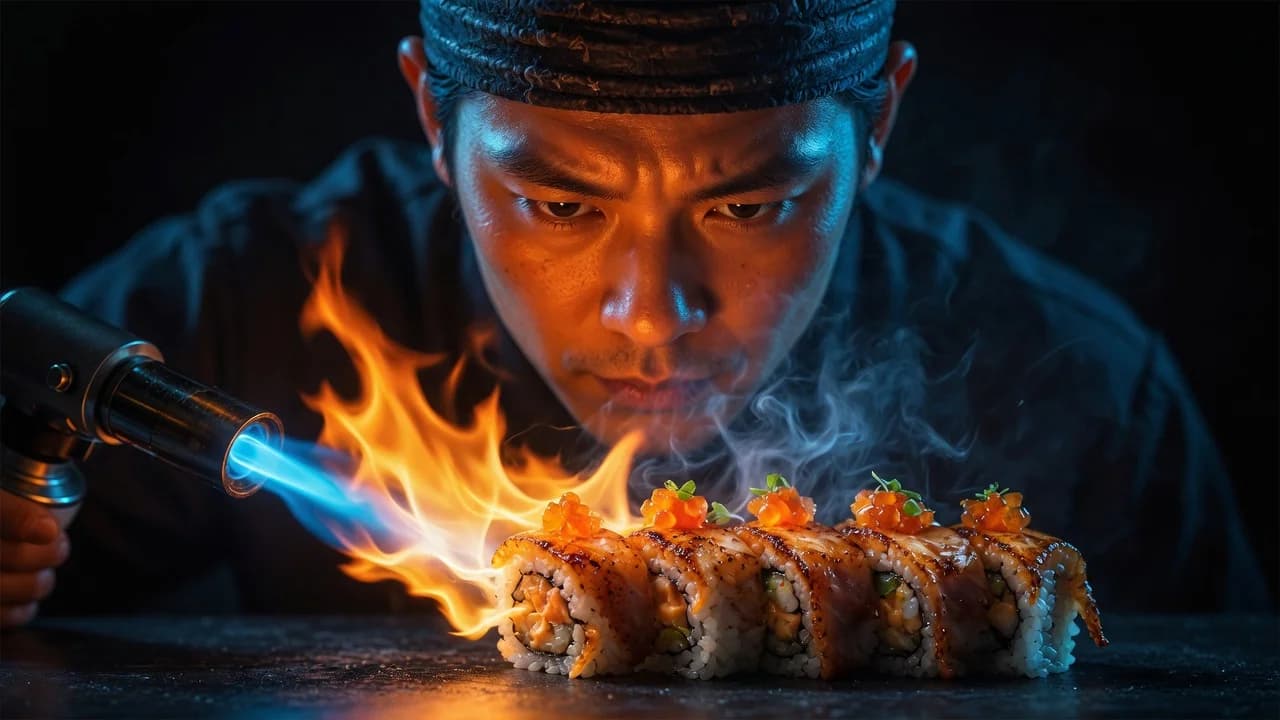
A sushi menu sells best when it is organized by format (nigiri, sashimi, maki, specialty rolls, sets, hot kitchen), shows a photo next to every roll, keeps Japanese names with a short translated description underneath, and uses sets and combos to anchor spending. This guide covers each decision, plus allergen labeling, daily fish availability, and omakase.
TL;DR
- Structure by format, not by fish: nigiri, sashimi, classic maki, specialty rolls, sets, hot kitchen.
- Photos are near-mandatory: guests order the rolls they can see, not the names they can pronounce.
- Sets and combos drive the average ticket; name them by occasion and print the piece math.
- Keep Japanese names, translate the descriptions underneath, and add a language switcher for tourists.
- Use a live digital menu for market fish: a sold-out toggle beats a server’s apology.
How should you structure a sushi menu?
Structure a sushi menu by format: nigiri and gunkan, sashimi, classic maki, specialty rolls, sets and combos, then the hot kitchen (ramen, tempura, gyoza, katsu). Guests decide format first (“do I want a roll or a set?”) and fish second, so category order should mirror that decision path.
Put sets near the top if you do significant delivery or group traffic, and keep specialty rolls (your signature, house-named creations) as their own section rather than mixing them into classic maki: they carry higher margins and deserve the spotlight. The hot kitchen section matters more than it looks, because in most groups one person does not eat raw fish, and that section decides whether the whole table books.
Keep the counts honest: 8 to 12 nigiri, 10 to 15 classic maki, and 8 to 12 specialty rolls is enough for most restaurants. A 120-item list slows ordering, slows the kitchen, and forces you to hold more fish than you can rotate fresh.
Why are photos near-mandatory on a sushi menu?
Photos matter more on sushi menus than in almost any other cuisine because most items have unfamiliar names and near-identical text descriptions. “Sake nigiri” and “hamachi nigiri” read the same to a first-time guest; a photo answers the real question, which is what actually arrives at the table.
Here is how the three presentation levels compare:
| Presentation level | What the guest sees | Effect on ordering |
|---|---|---|
| Name only (“Philadelphia roll”) | A word they may not know | Guests default to the few rolls they already know; new items rarely sell |
| Name + description | Ingredients and piece count | Safer choices and fewer surprises, but rolls still compete on text alone |
| Name + description + photo | The actual plate | Guests browse visually, try unfamiliar rolls, and decide faster |
Shoot every roll in the same style: same angle, same background, pieces countable in the frame, so the menu reads as one set rather than a collage. On a QR code menu, photos cost nothing to display and never trigger a reprint, which is why digital sushi menus consistently outperform paper on unfamiliar items.
How do sets and combos raise the average ticket?
Sets and combos raise the average ticket because they turn a hard decision (which of 40 rolls?) into an easy one (small, medium, or party?). A guest who might have ordered one roll orders a 24-piece set, and groups anchor on the largest option on the page.
Three rules make sets work. Name them by situation, not poetry: “Set for two, 24 pieces” outsells “Dragon’s Dream” because guests can do the math. Print the math itself: total piece count, which rolls are inside, and a serving suggestion such as “feeds 2 to 3”. Price each set slightly below the same items ordered separately, and say so; the visible saving is the reason to trade up.
Then add one premium set with toro, scallop, or uni at the end of the section. Few tables order it, but it makes the mid-priced sets look reasonable, and the tables celebrating something will find it.
Should you keep Japanese names on the menu?
Keep the Japanese names and explain them underneath. “Unagi” stays as the item name; “grilled freshwater eel with sweet tare sauce” goes in the description. Guests who know sushi search by the Japanese term, and guests who do not get a plain answer without having to ask the server.
For tourist-heavy locations, one language is not enough. A digital menu with a language switcher lets the same items read naturally in each guest’s language, and machine translation handles menu text well when a human checks the food terms; see our guide on whether AI can translate a restaurant menu.
Two cautions. Never translate the Japanese item names themselves: unagi should stay unagi in every language. And keep descriptions concrete, ingredients and preparation rather than adjectives. “Salmon, cream cheese, cucumber, 8 pieces” beats “a delightful fusion of flavors” in any language.
How should you label raw fish and allergens?
Label raw items clearly, list the common allergens (fish, shellfish, soy, sesame, egg, gluten in soy sauce), and include a standard advisory that eating raw or undercooked seafood may increase the risk of foodborne illness. Honest, specific labeling reads as confidence; vague or inflated claims read as evasion.
Beyond the advisory, mark each item raw, cooked, or vegetarian with a small icon, and give cooked rolls a section of their own: pregnant guests, kids, and cautious first-timers scan for it immediately, and it keeps them at the table instead of at a pizzeria.
On freshness, describe what you actually do (daily deliveries, named suppliers, your freezing practice) rather than leaning on “sushi-grade”, a label with no consistent legal definition in most markets. Specific, verifiable statements build more trust than superlatives, and they never leave you defending a claim you cannot back up.
How do you handle daily specials and market fish?
Handle market fish with a live digital menu: add today’s catch in the morning, and toggle items sold out the moment the last portion leaves the kitchen, instead of letting servers apologize at the table. A sushi kitchen runs out of specific fish daily, so a static printed menu is always partly wrong.
This is the strongest argument for making the digital version your primary menu. When the menu lives at a URL, a sold-out toggle hides an item in seconds, today’s fish can be added from a phone before service, and a publishing mistake can be rolled back to the previous version instantly.
Run a “Today from the market” category and keep it tight: three or four items, updated every morning, priced by the day. Regulars learn to check it first, which is exactly the return-visit habit a sushi restaurant wants to build.
Should omakase be printed on the menu or kept verbal?
Put omakase on the menu when it has a fixed price and a defined shape (number of courses, seating times, dietary rules), and keep it verbal when it genuinely changes with the market and the chef’s judgment. A printed omakase with no structure confuses guests; an unlisted one never gets ordered.
A practical middle path works for most restaurants: a short entry with the price or a range, the course count, when it runs, and a line such as “ask your chef about tonight’s selection”. That converts curiosity into bookings while leaving the content flexible for whatever the market delivered.
On a digital menu you can go further and show the omakase entry only on the evenings you actually run it, so the Tuesday lunch crowd never tries to order something the counter cannot serve that day.
How can AI help you build a sushi menu?
AI now handles the slow parts of sushi menu building: extracting items from a photo or PDF of your current menu, writing the plain-language descriptions under Japanese names, translating everything for tourists, and generating photos for dishes you have not shot yet. You review the output; it does the typing.
According to the National Restaurant Association’s 2026 State of the Restaurant Industry report, 26% of operators say they are using AI-related tools. The practical version for sushi: photograph the menu you already have and let AI rebuild it as structured items, the workflow shown in our menu digitization guide. Duck Hub MCP allows ChatGPT, Claude and other AI assistants to create a complete restaurant menu directly inside Duck Hub.
From there, creating a restaurant menu with AI covers descriptions and food photos done by your own AI assistant, which works on every Duckhub plan. Duckhub’s free Egg plan includes 70 products, 10 categories, and 30 QR tables with no card required, which comfortably fits a sushi menu built to the counts above.
Publish your sushi menu free on Duckhub’s Egg plan, with 0% commission on every plan: start at duck-hub.com.